Loading
Loading
Loading
The terms of registration for an event in EasySignup are adjusted according to the settings made on the event. This means, that when you make changes in the event settings, the changes may affect the terms of registration. For example a change regarding whether the attendees are allowed to cancel their registration will affect the terms of registration.
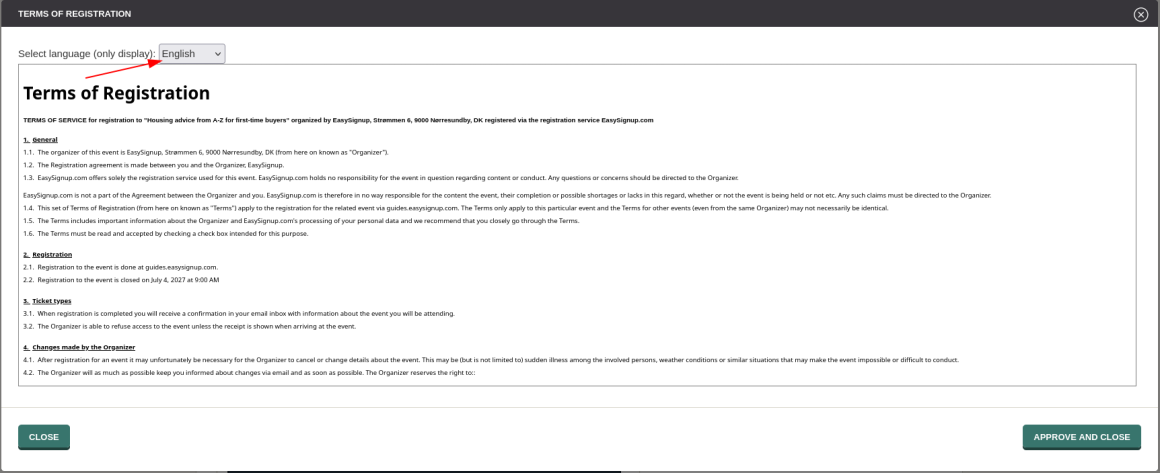
This guide shows how to view the terms of registration for an event.
Notice: The individual registered attendee may have accepted other terms of registration for the event, if the terms of registration for the event have been changes after the attendee was registered. If you want to view the terms of registration for a specific attendee, you can see how in this guide.
How to view the terms of registration for an event
When publishing an event or saving a change that affects the terms of registration, you must approve the terms of registration.

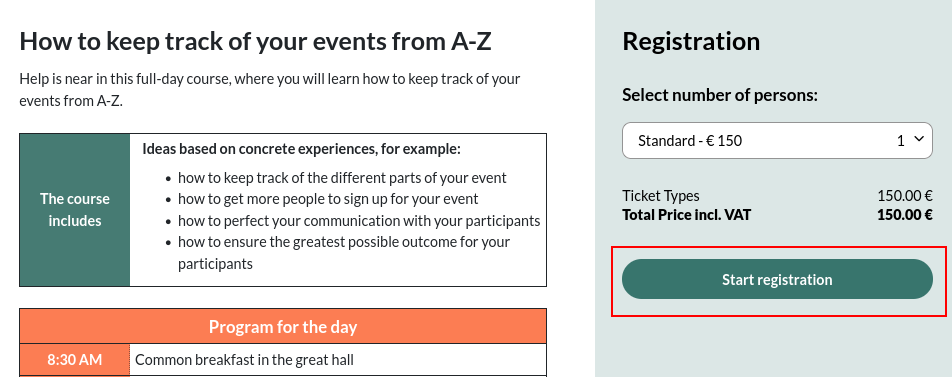
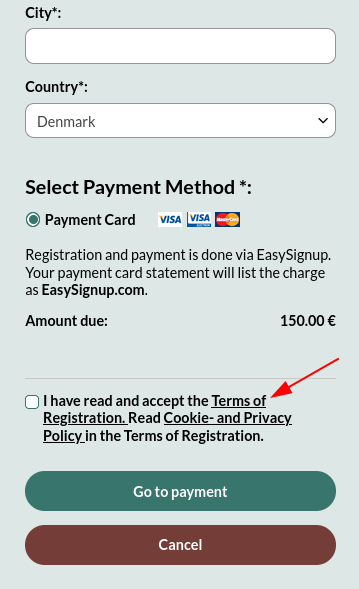
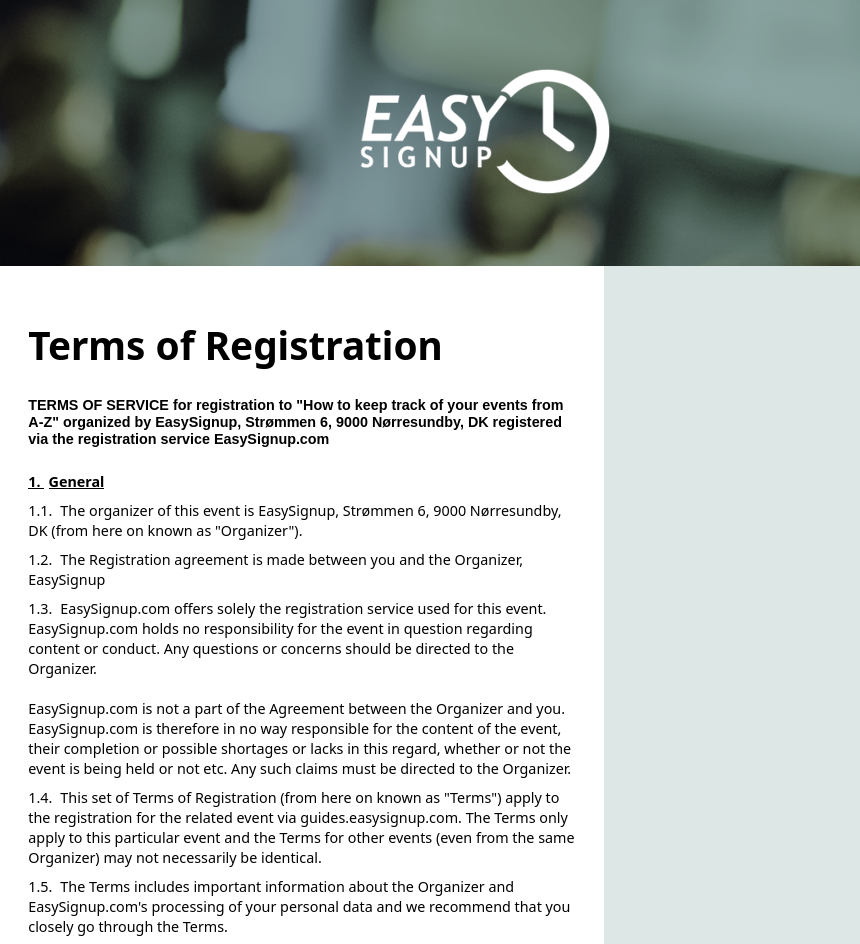
You can also view the terms of registration in the registration form for the event.

We've made a series of videos showing you how to use EasySignup.
Watch introductory videosWhether you are a participant or an organizer, some of the questions you might have about the IT-system are answered here.
Read the answers
Mette Jellesen and Jacob Thomsen
Support and Communication