Loading
Loading
Loading
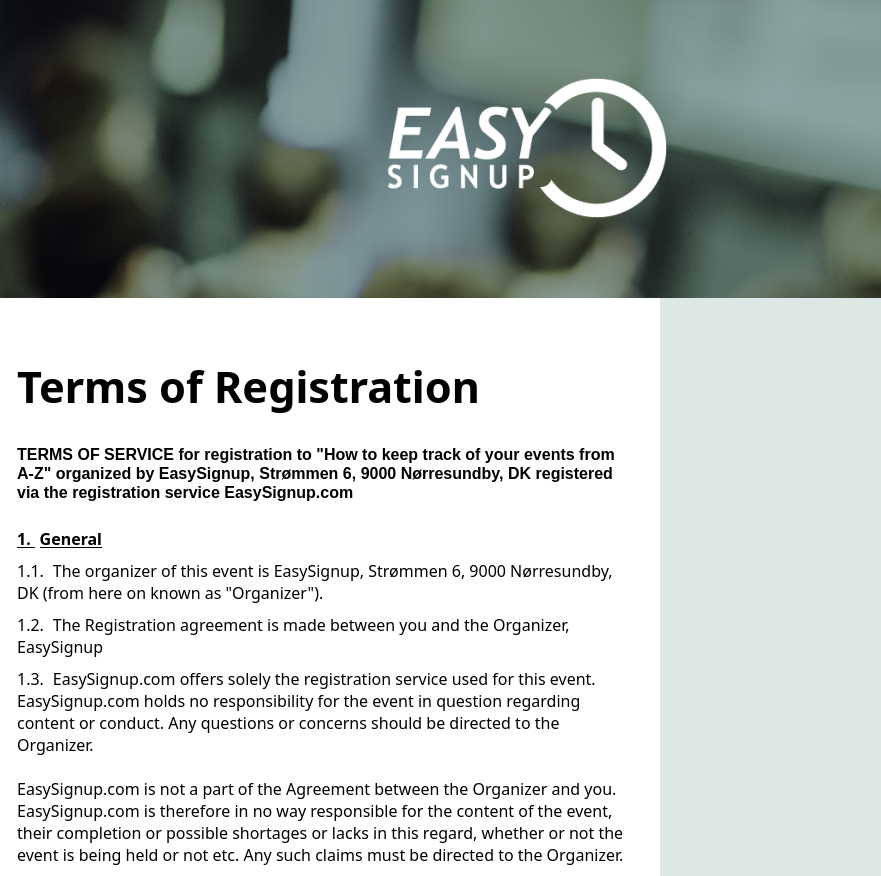
When an attendee is registered for an event, the orderer approves a set of registration terms with the conditions that apply for the event.
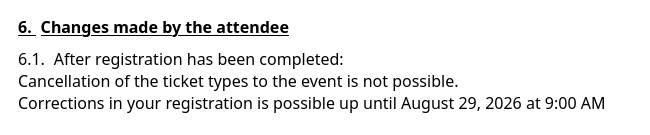
In the terms of registration you can, among other things, see whether the attendee is allowed to cancel their registration, and if yes, when the cancellation deadline is.
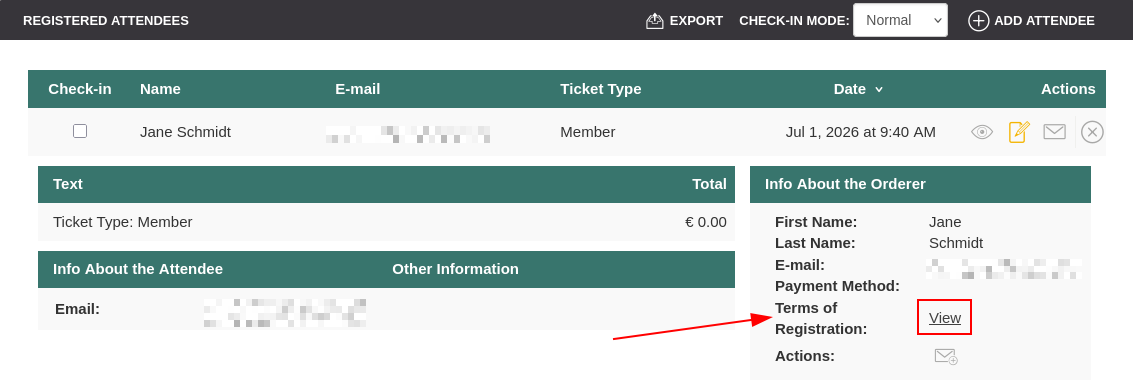
This guides explains where you can see the terms of registration for a specific attendee. This can be useful if the terms of registration have been changed after the attendee was registered and you need to know, what the terms of registration are for the specific attendee.


We've made a series of videos showing you how to use EasySignup.
Watch introductory videosWhether you are a participant or an organizer, some of the questions you might have about the IT-system are answered here.
Read the answers
Mette Jellesen and Jacob Thomsen
Support and Communication