Loading
Loading
Loading
You may recognize this.
Your event is so great that you feel like inviting the King himself. You've spent time finding the perfect location and catering, and you've invited just the right target group.
Even so, during the first week, you’ve only received 7 registrations for your event with room for 300.
So why is it that your invitees are not able to see how great an event they’ve been invited to? And how do you get more people to sign up for your event in EasySignup?
We have gathered 4 pieces of advice for you to get more attendees to your event:
Make it clear at the beginning of your event description how your participants will benefit from your event and save the details of your event for later in your description. Doing so increases the chance of your visitors wanting to read on and (hopefully) sign up for your event.
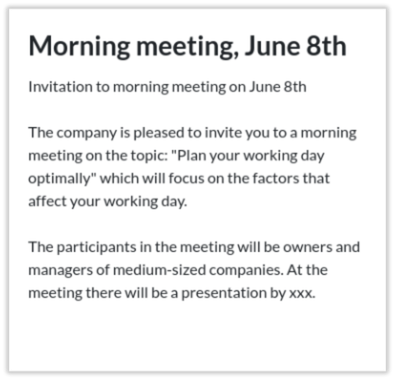
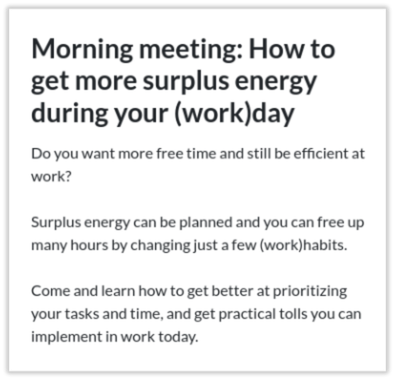
Here are two similar but yet different event descriptions:
If you also find example A to be dryer than an overcooked steak with no sauce, you are not the only one. The invitee also starts questioning "What's in it for me if I sign up for this event?" On the contrary, example B addresses the reader directly and quickly presents the benefits of participating in the event.
Example B follows the checklist:
[X] I address the attendee directly by writing "you"
[X] I address the target group's situation and needs
[X] I clarify the attandee's benefits in both the headline and the introductory text
Use the checklist next time you're making the description for your event to ensure your focus is on your participants' "What's in it for me?".
A manageable and good-looking signup site can make a difference in whether or not your visitors read your event description and sign up. If they, at first sight, are met with lumps of monotonous text, they may find your signup page as chaotic as a trip to the supermarket on the 24th of December. This tremendously increases the chances of your visitors exiting the page before signing up.
Instead, we would like to present a clear and visually appealing signup site to our visitors that is catchy and easy to read.
Here are two examples of different signup pages for the same event:
Example A: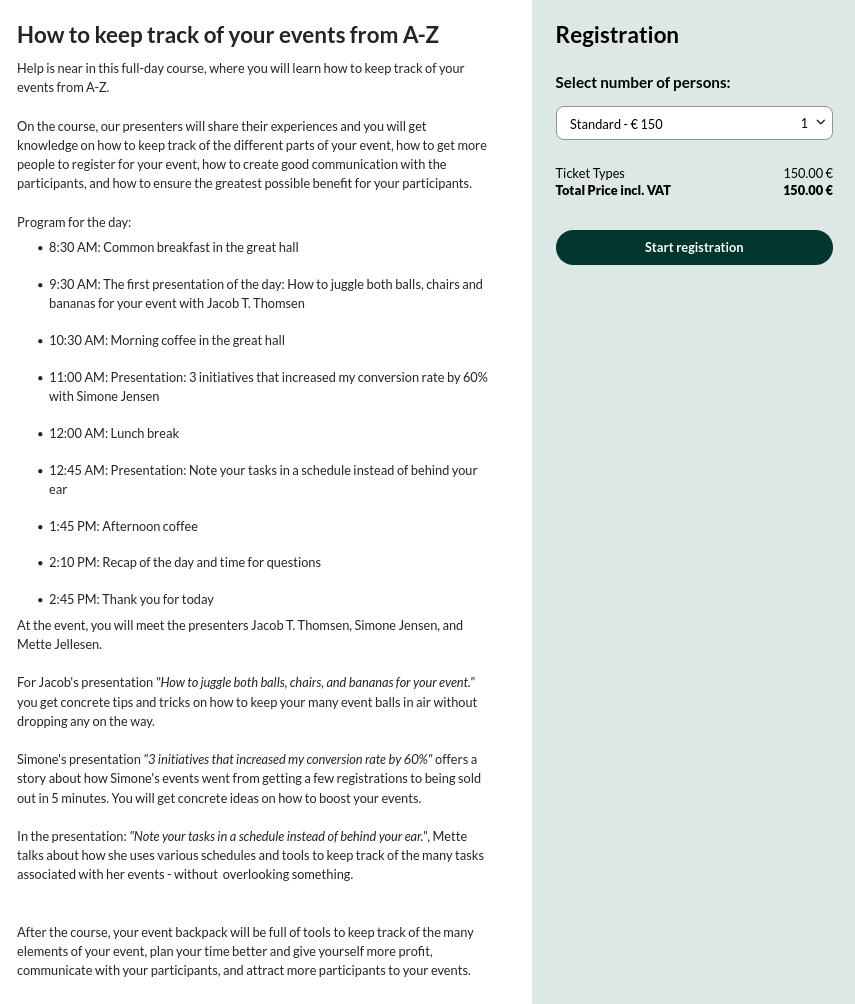
Example B: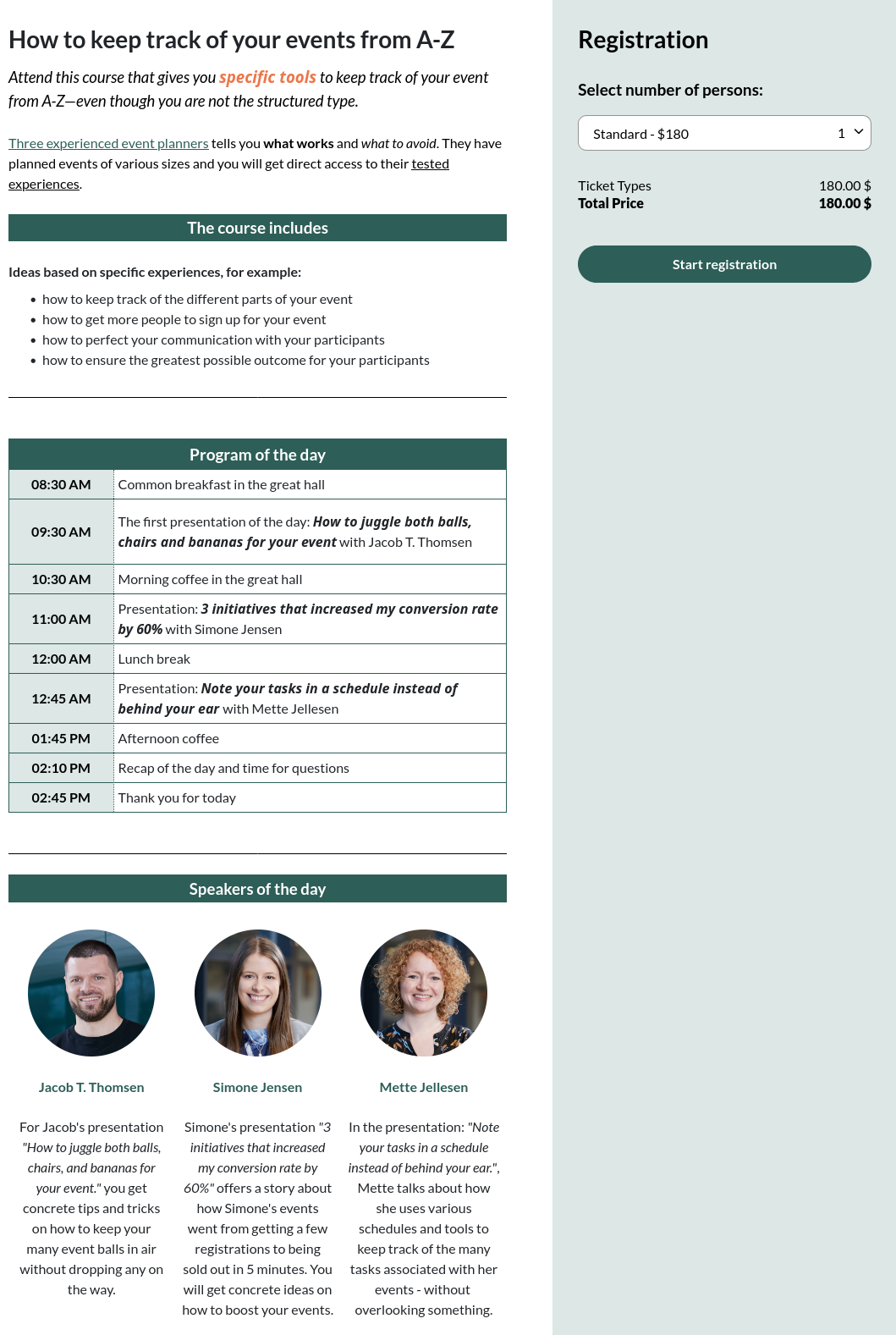
(Click here to see the entire signup page)
Example A lacks breaks in the text making the text appear long and difficult to read. At the same time, no visual elements like pictures and colors are included in the event description to catch the eye of the visitor. This makes example A rather dull for visitors, who are likely to move on without signing up.
In example B, breaks are included in the text to make it easier to read. Colors and images are also included in the description to catch the eye of the visitor and make the page more interesting.
In example B images, colored and formatted text, tables and spaces are used to:
You choose the colors yourself and may, for instance, use the colors from your brand identity to make your signup page more recognizable to your visitors.
Example B is made with help from the checklist:
[X] I have used line breaks and/or tables in my event description to make it easier to read
[X] I have highlighted essential parts of my text to create reading breaks (such as bold text)
[X] I have included one or more visual elements (such as colors or images)
[X] I avoid collecting more information about my participants than necessary (see the next advice)
The quicker and easier potential attendees can sign up, the bigger the chance of them actually signing up.
If you only ask for required information—with emphasis on required only—you make it as easy as possible for your potential attendees to get through the signup flow in Easy Signup. The less information you ask for, the briefer the signup process. So be critical when it comes to using the sign up form for asking your attendees for information and distinguish between nice to have and need to have.
If you also make sure that answering in the right format is intuitive or use predefined options, it is easier for the attendee to fill in information. You do this by using adapted dropdown menus, checkboxes and date fields during signup. In this way you also get the attendees' information in the format you require for downloading the list of attendees—pure win-win situation.
See how to collect attendee information in the best way in this guide in order for your attendees to sign up as quick and easy as possible.
Your visitors have reached the end of your event description, and now it's time to sign up. Give them one last reason why they should sign up for your particular event.
Tell them about their benefit: How do they benefit from participating, how does your event improve their lives, and what do they gain?
We have gathered a couple of suggestions on how to write down the attendees' benefits:
| Feel free to use these suggestions when you draw up the benefits: |
| When you leave this meeting, you will [describe the benefits from participating]. |
| You will leave this event with [describe the benefits from participating]. |
| What you take home is [describe the benefits from participating] |
|
You can also choose to give the benfits a headline, made bold to highlight it as in the shown examples: |
You get to take home: [Describe what knowledge and tools your participants get to take home] |
| Among the benefits you will experience from the event are: [Describe the benefits your participants gain. You may use bullet points] |
|
| After the event, you will know more about: [Describe what your participants will learn about] |
If you create an event from scratch in EasySignup, save the polishing of your event description for later. Instead, go through the 5 basic steps and save your event.
When you have saved your event, you can use our advice to edit and polish it and save it as you go.
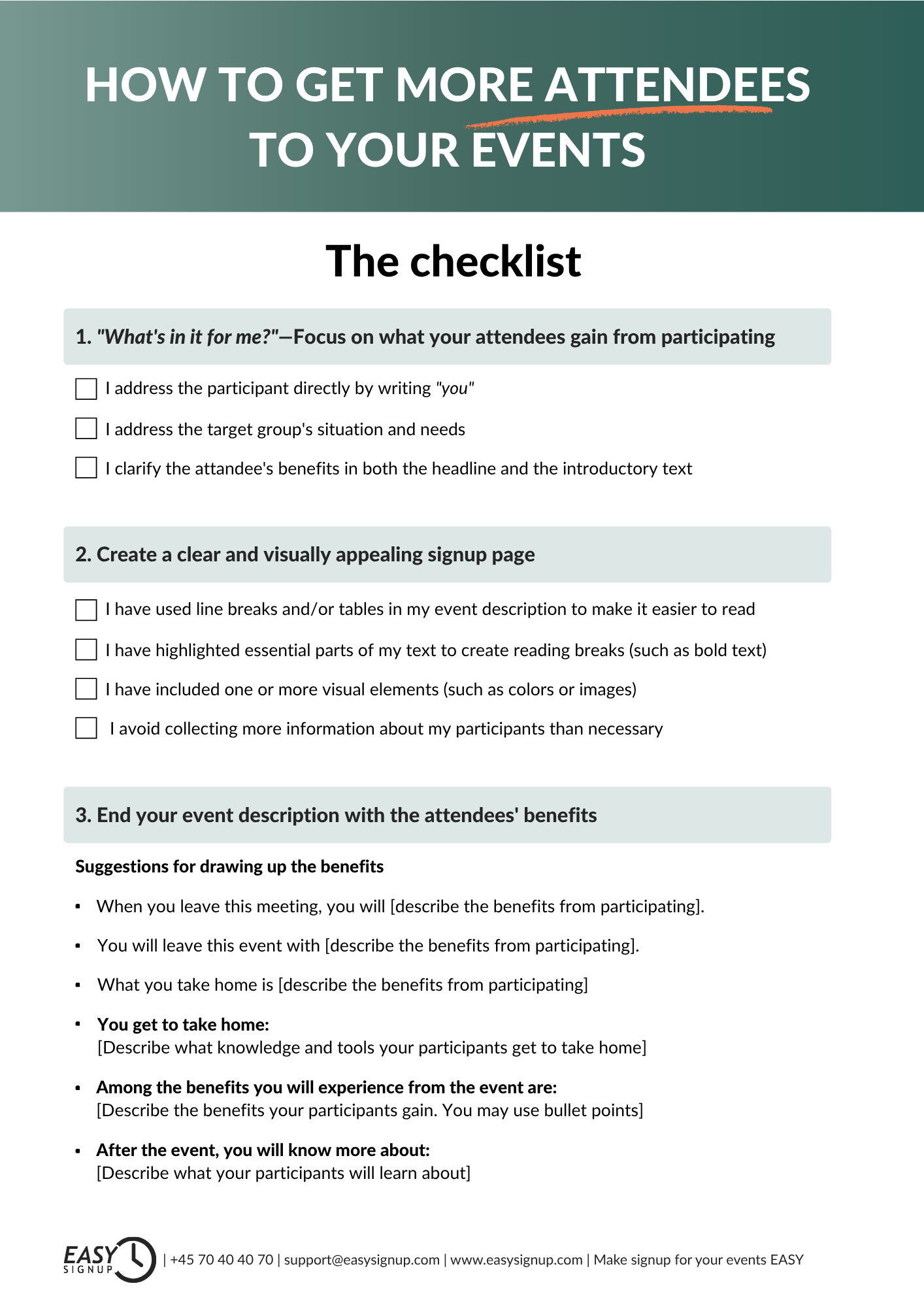
For your convenience, we have gathered a list of the presented advice. You can download and save the checklist for your next event in EasySignup:
|
A special bonus for you
Click on the image to download "The checklist—How to get more attendees to your events"
|
 |
We've made a series of videos showing you how to use EasySignup.
Watch introductory videosWhether you are a participant or an organizer, some of the questions you might have about the IT-system are answered here.
Read the answers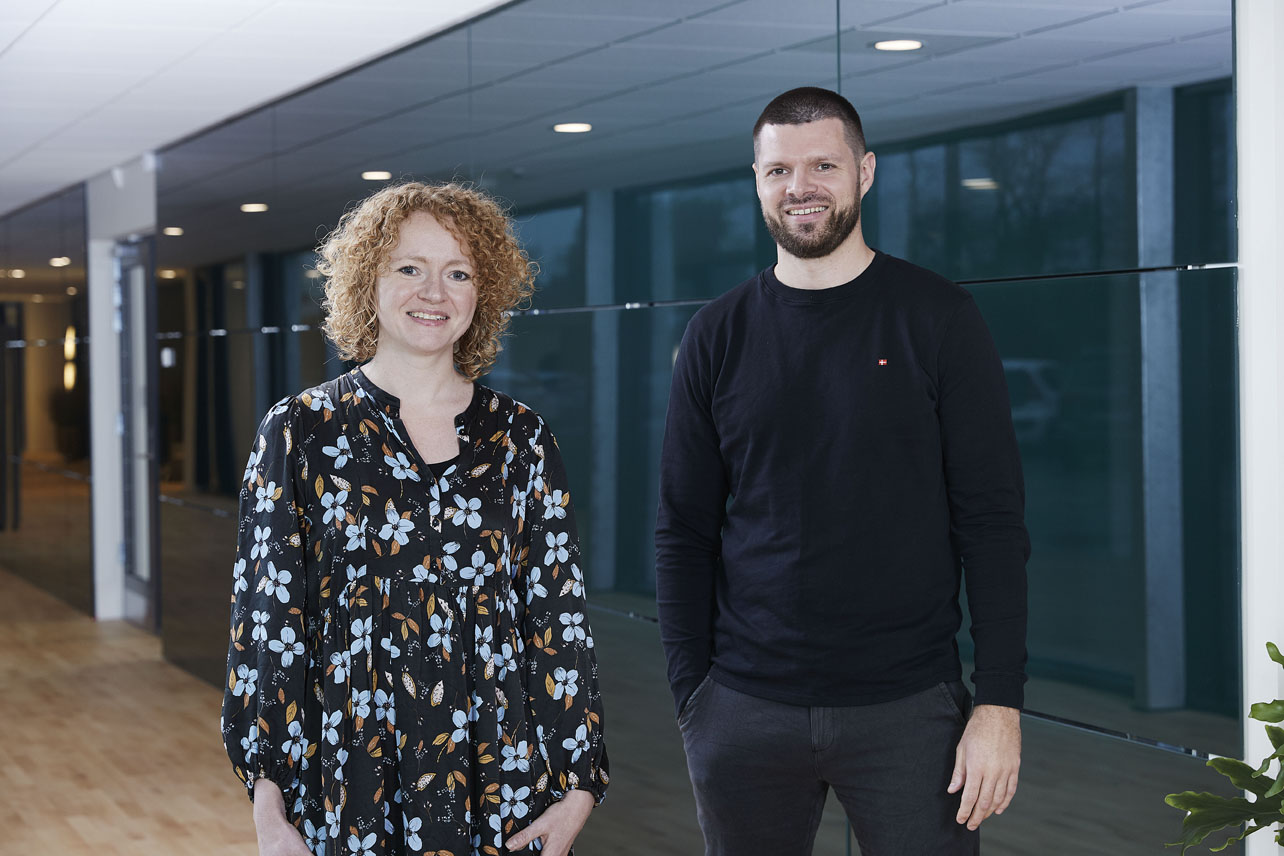
Mette Jellesen and Jacob Thomsen
Support and Communication