Loading
Loading
Loading
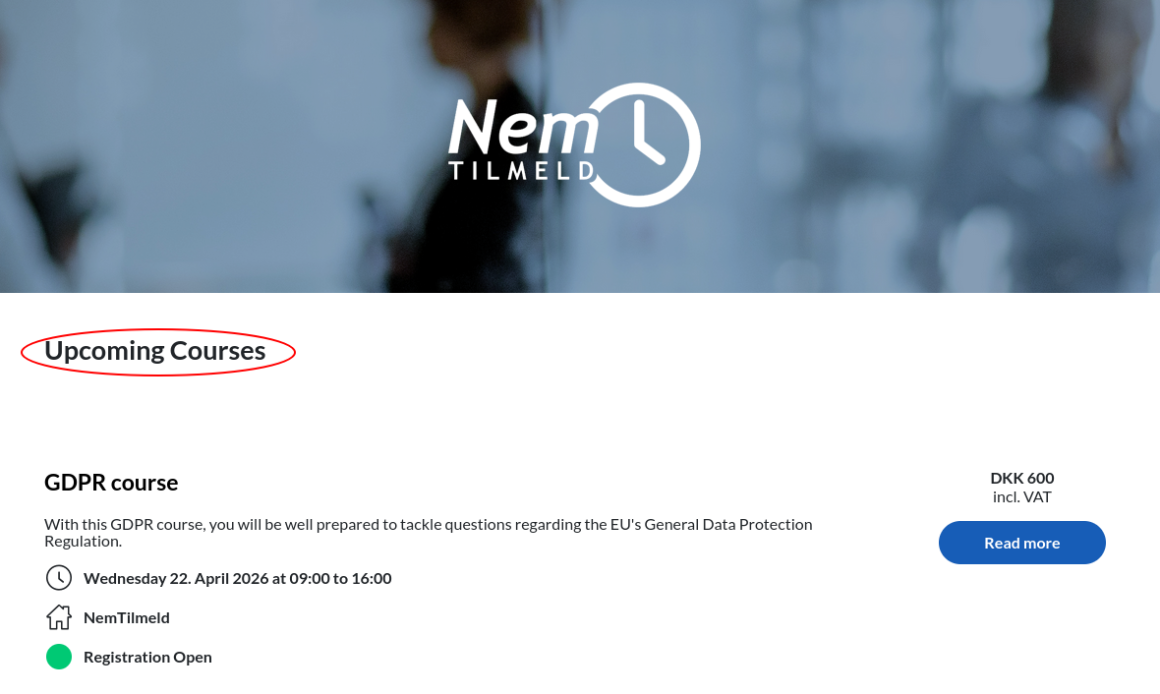
You can choose to replace certain words on the registration pages with words that are more suitable for your type of events. This way, the wording on the registration pages will reflect your events.
For example you can choose to use the word "courses" instead of "events", if that is a better word for your type of events and target group:
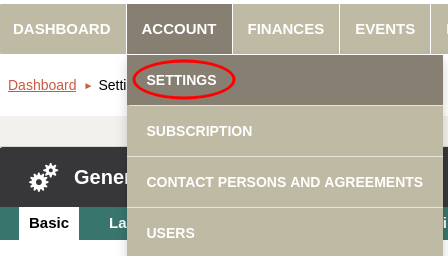
The words you can choose among are substitutes for:
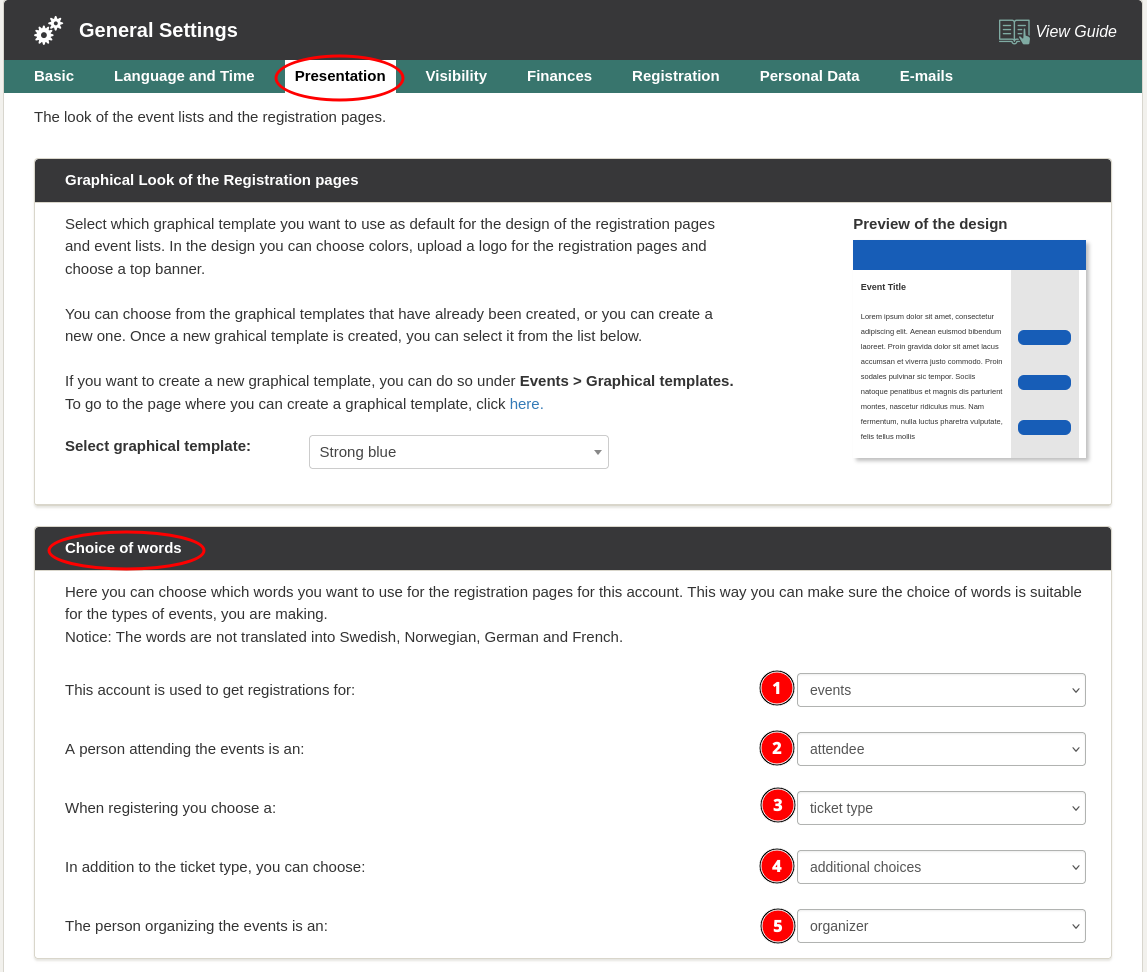
Note, that the changes will apply to all events. You can also choose to change the wording for a single event. See how in this guide.
We've made a series of videos showing you how to use EasySignup.
Watch introductory videosWhether you are a participant or an organizer, some of the questions you might have about the IT-system are answered here.
Read the answers
Mette Jellesen and Jacob Thomsen
Support and Communication