Loading
Loading
Loading
When you create your event at EasySignup, your registration page will get a unique link or website address.
You can use this link to invite potential attendees to your event.
For example, you may want to share the event on social media, a newsletter or on your website.
You will find the link to the event's registration page as follows:
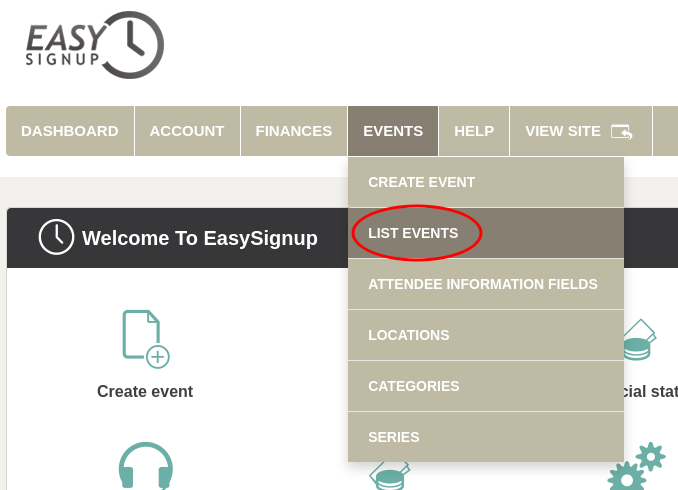

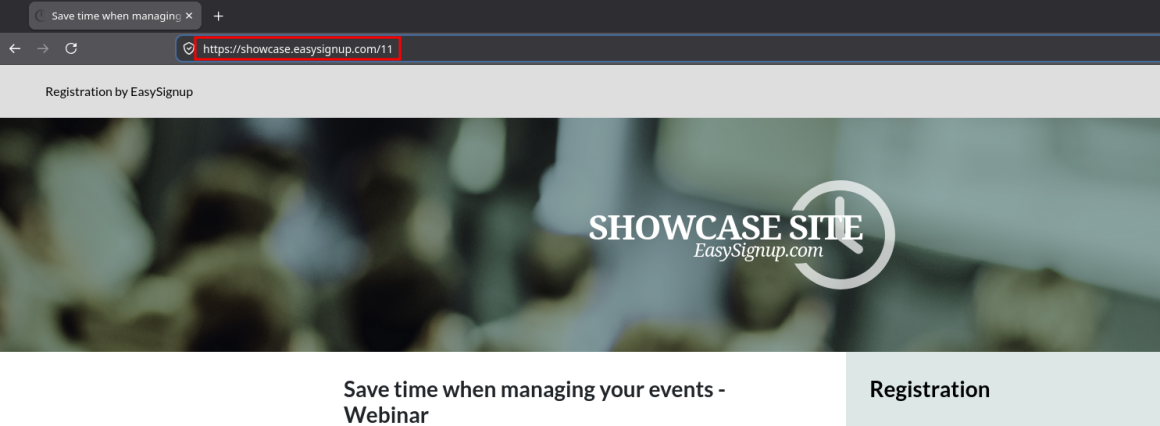
You can also find the link on the event's status page:

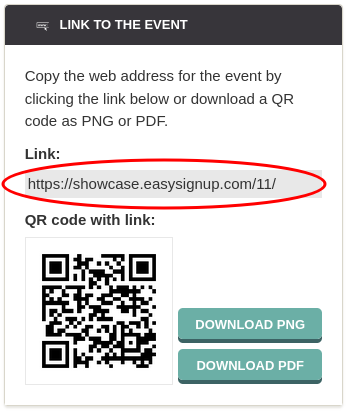
We've made a series of videos showing you how to use EasySignup.
Watch introductory videosWhether you are a participant or an organizer, some of the questions you might have about the IT-system are answered here.
Read the answers
Mette Jellesen and Jacob Thomsen
Support and Communication