Loading
Loading
Loading
If you want to manage which users can see which events, you can use "Departments". By dividing you events in departments, you can ensure, that a user in EasySignup can only see the events in this department.
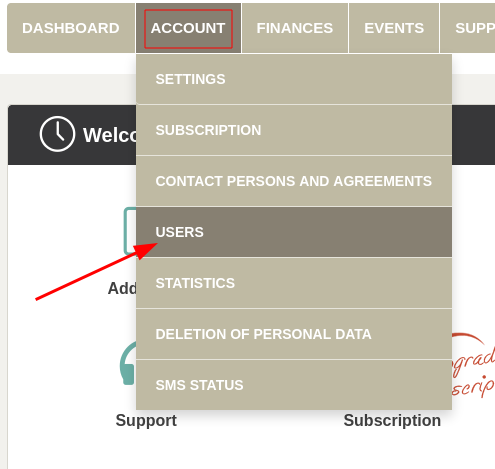

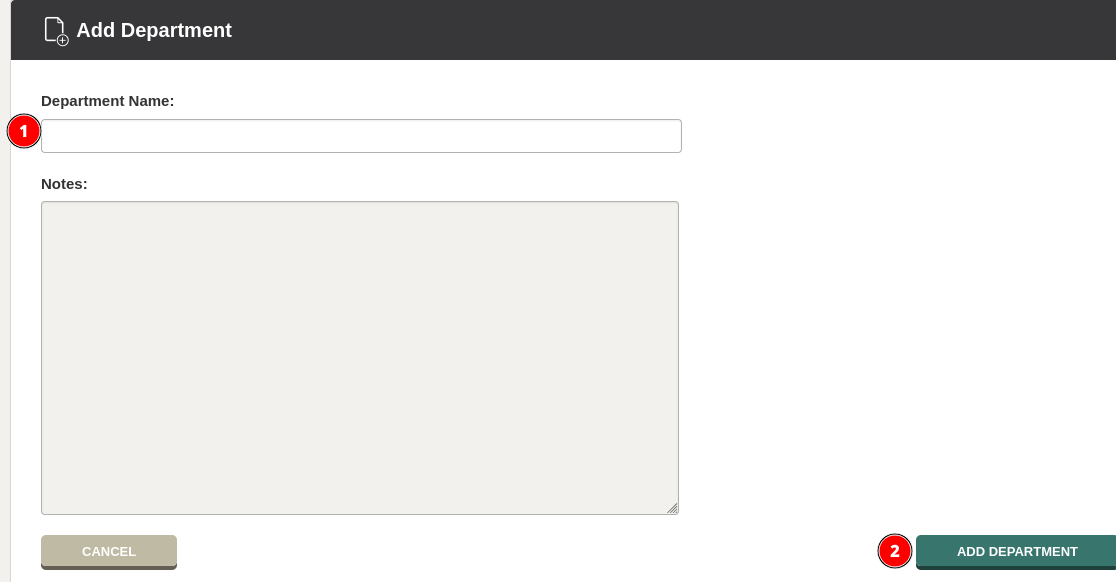
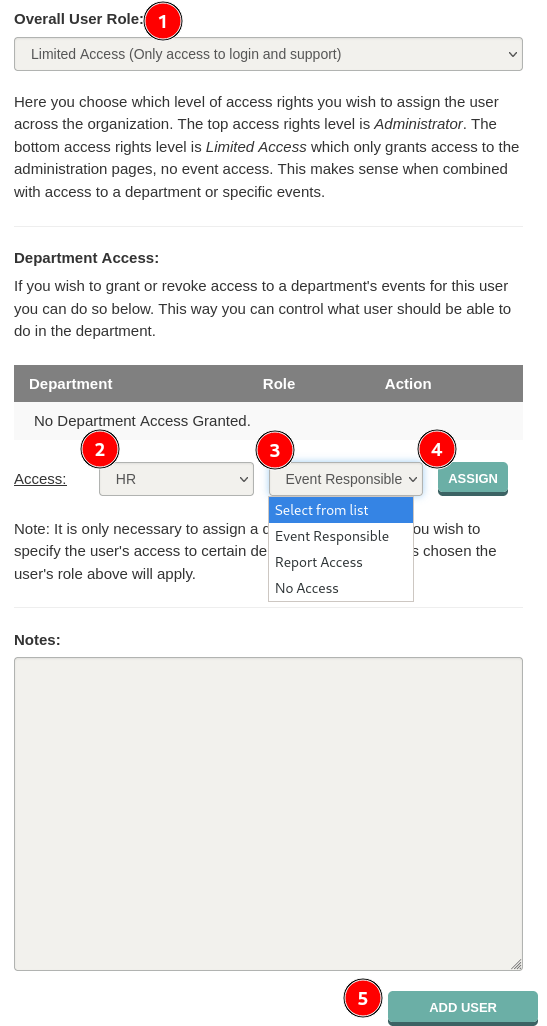
Now you can assign a user a user role in the department.
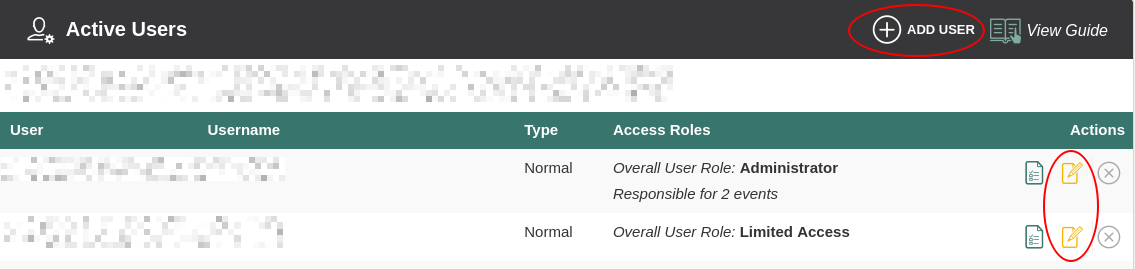
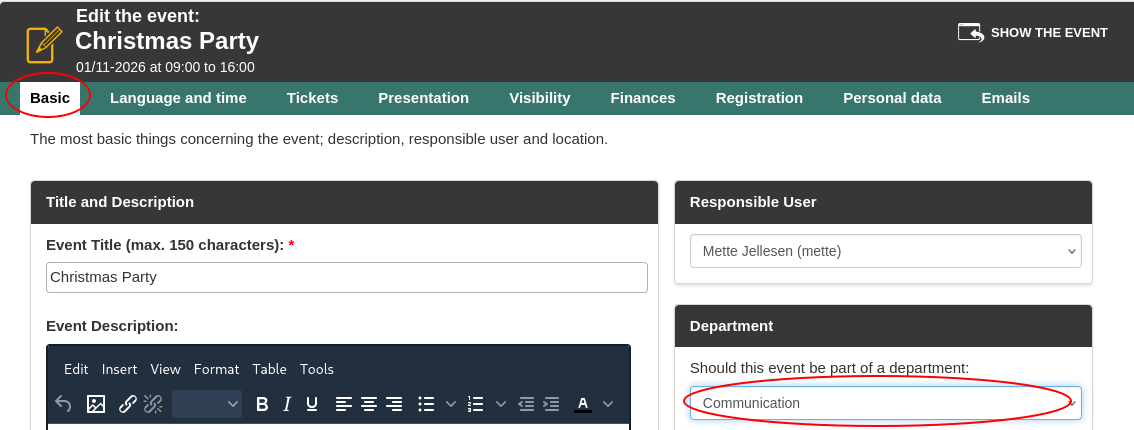
If the event, for which the user needs access, is already created, remember to add the event to the department. You do so by editing the event and staying in the tab "Basic", where you can choose which department the event should be a part of. Remember to save at the bottom right corner.
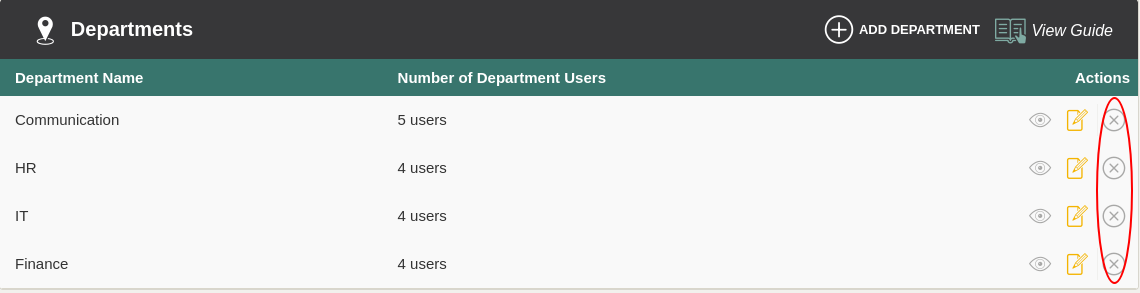
If you no longer need a department, you can deactivate it by clicking the cross under "Actions". Any users and events already associated with the department will in that case lose this association.
Under "Deactivated Departments" you have the option to activate the department again by clicking the plus (1) or delete the department completely by clicking the cross (2).

We've made a series of videos showing you how to use EasySignup.
Watch introductory videosWhether you are a participant or an organizer, some of the questions you might have about the IT-system are answered here.
Read the answers
Mette Jellesen and Jacob Thomsen
Support and Communication